
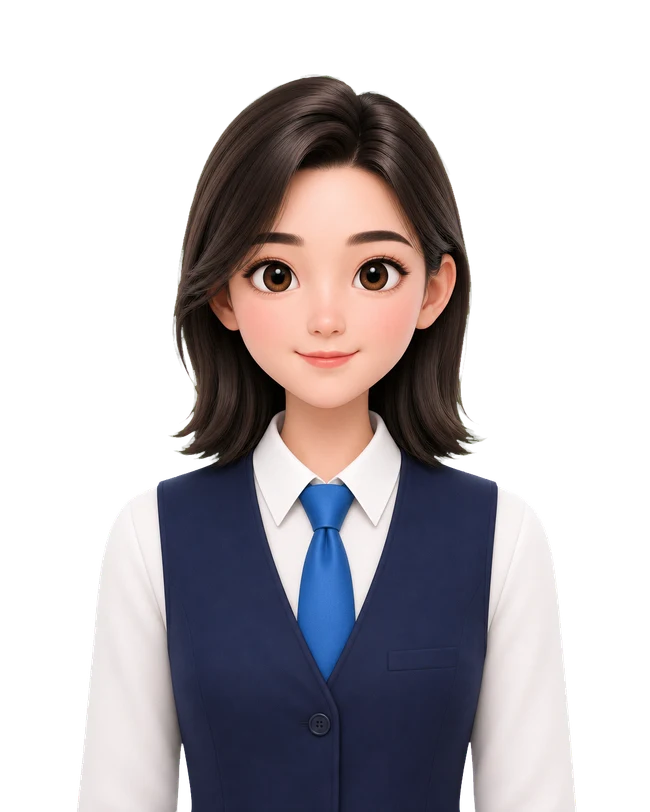
Portrait cutout
Separate the portrait from its background on-device.
SNAPID STUDIO · EVERY DETAIL, CONSIDERED
From portrait cutout to size, background and print layout. Refine the details on your device and prepare for the next time you need an ID photo.

iPhone · iOS 16.0 or later
 35 × 45 mm
Separate the portrait from its background on-device.
Choose a specification, then refine framing and colour.
Create a single photo or print layout and save the result.
Portrait processing happens on-device. Deleting app history does not remove Photos items or copies you have shared.
SNAPID STUDIO / WORKFLOW
A few clear steps, from the first idea to the final result.
Choose a clear, front-facing portrait with even lighting.
Select the size and background, then adjust the framing.
Confirm the receiving organisation’s requirements before saving.
See where content is processed, when a connection is needed and how to manage your files.
MAKE IT YOURS
Apple and the Apple logo are trademarks of Apple Inc. App Store is a service mark of Apple Inc.